New Image Models in Pixraft: Krea 2 Turbo and Qwen Image 3.0
Krea 2 Turbo and Qwen Image 3.0 are now available in Pixraft’s refreshed image catalog. Learn which workflow each model supports and how to test them responsibly.
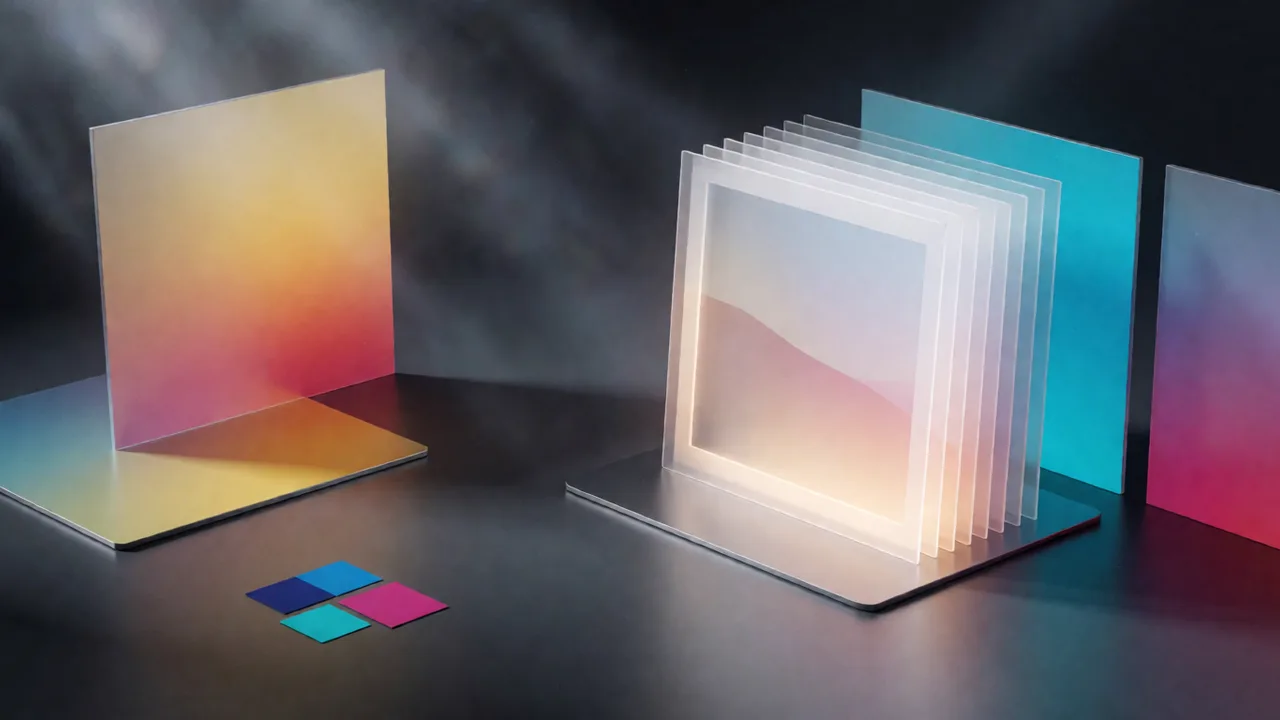
A new image-model choice in Pixraft
Pixraft’s refreshed WaveSpeed catalog now includes Krea 2 Turbo, Qwen Image 3.0, and Qwen Image 3.0 Pro as selectable image models. The announcement is about access to new model options; it is not a universal quality ranking.
The practical benefit is that the models expose different controls. You can compare a fast image-to-image iteration with a prompt-led image at a higher resolution, then keep the model that fits the actual brief.
Krea 2 Turbo: fast ideation and image variation
WaveSpeed describes Krea 2 Turbo as an aesthetic-first model for text-to-image and image-to-image generation. Its documented controls include 1k or 2k resolution, aspect ratio, a source image, strength, and seed.
That makes it a useful candidate for moodboards, campaign directions, product-scene variations, and restyling an existing concept. Lower strength can preserve more of the source composition; higher strength allows a more substantial reinterpretation. The result still needs review for details, brand accuracy, and unintended changes.
Qwen Image 3.0: prompt-led production exploration
Qwen Image 3.0 and its Pro variant are separate entries in Pixraft’s catalog. WaveSpeed documents 1k and 2k output tiers, aspect-ratio selection, prompt expansion, and seed control. The Pro card is positioned as a professional-grade option, but the right choice depends on your prompt, output size, and review criteria.
| Model | Useful starting point | Controls documented by the model card |
|---|---|---|
| Krea 2 Turbo | Fast text-to-image or image-to-image variations | Prompt, source image, strength, resolution, aspect ratio, seed |
| Qwen Image 3.0 | Prompt-led concepts, characters, portraits, and campaign visuals | Prompt, 1k/2k resolution, aspect ratio, prompt expansion, seed |
| Qwen Image 3.0 Pro | A separate production-oriented option for polished image exploration | Prompt, 1k/2k resolution, aspect ratio, prompt expansion, seed |
A simple Pixraft workflow
- Open Image Studio and search for Krea 2 Turbo or Qwen Image 3.0.
- Start at 1k when you are still deciding on composition, subject, or art direction.
- Use a reference image with Krea 2 Turbo when you want a controlled variation and adjust strength deliberately.
- Use Qwen Image 3.0 when the prompt itself carries most of the art direction, then compare the standard and Pro entries on the same brief if both fit your project.
- Choose the aspect ratio before generating so the composition matches the destination.
- Review the live credit estimate, generate a small test set, and keep the prompt, seed, and settings for anything you may need to reproduce.
- Send a selected still to Video Studio when it becomes the first frame for motion.
Keep expectations realistic
These models can help you explore more visual directions, but they do not guarantee exact text, product geometry, faces, logos, or brand colors. Image-to-image strength can change details you intended to preserve. Prompt expansion can add useful interpretation, but it can also move the result away from a tightly controlled brief.
Before publishing a commercial asset, check the output manually, confirm that your use complies with the model’s license, and avoid treating a generated image as proof of a real person, place, or event. Provider documentation and model availability can change, so the live Pixraft model card remains the source of truth for the current controls.
Why use Pixraft for the new image arrivals?
Pixraft gives you a common Image Studio workflow around multiple model families: search the catalog, expose the inputs supported by the selected schema, preview the credit cost, and continue into video or other studios when the image becomes part of a larger project. The platform helps organize the experiment; the creative judgment and final review remain yours.
Sources
Related articles
Industry Insights
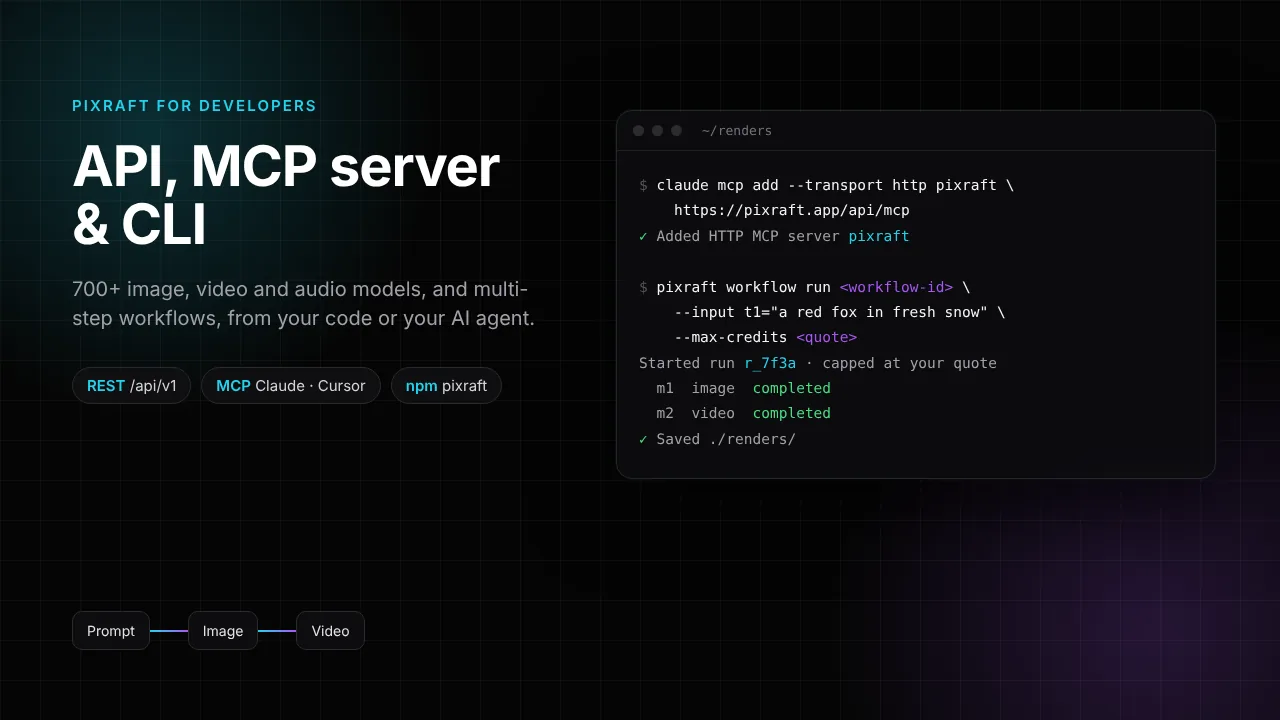
Pixraft Developer API, MCP Server and CLI: Run AI Image, Video and Audio Models From Code or Claude
Industry Insights
New AI Models on Pixraft (October 2026): Kling 3.0, Veo 3.1, Seedance 2.5, Nano Banana Pro, GPT Image 2 and More
Industry Insights
New Audio Models in Pixraft: Qwen3 TTS, Seed Audio, and MiniMax Music 3.0
Explore Pixraft Multi-Model Studio
Generate images with Nano Banana Pro and FLUX, video with Kling 3.0, Veo 3.1 & Seedance 2.5, and lip-synced audio in one workspace.
Create Free Account →