New Audio Models in Pixraft: Qwen3 TTS, Seed Audio, and MiniMax Music 3.0
Pixraft’s refreshed audio catalog adds new options for narration, guided audio, and music generation. Here is what each model is for and how to use it without overpromising the result.
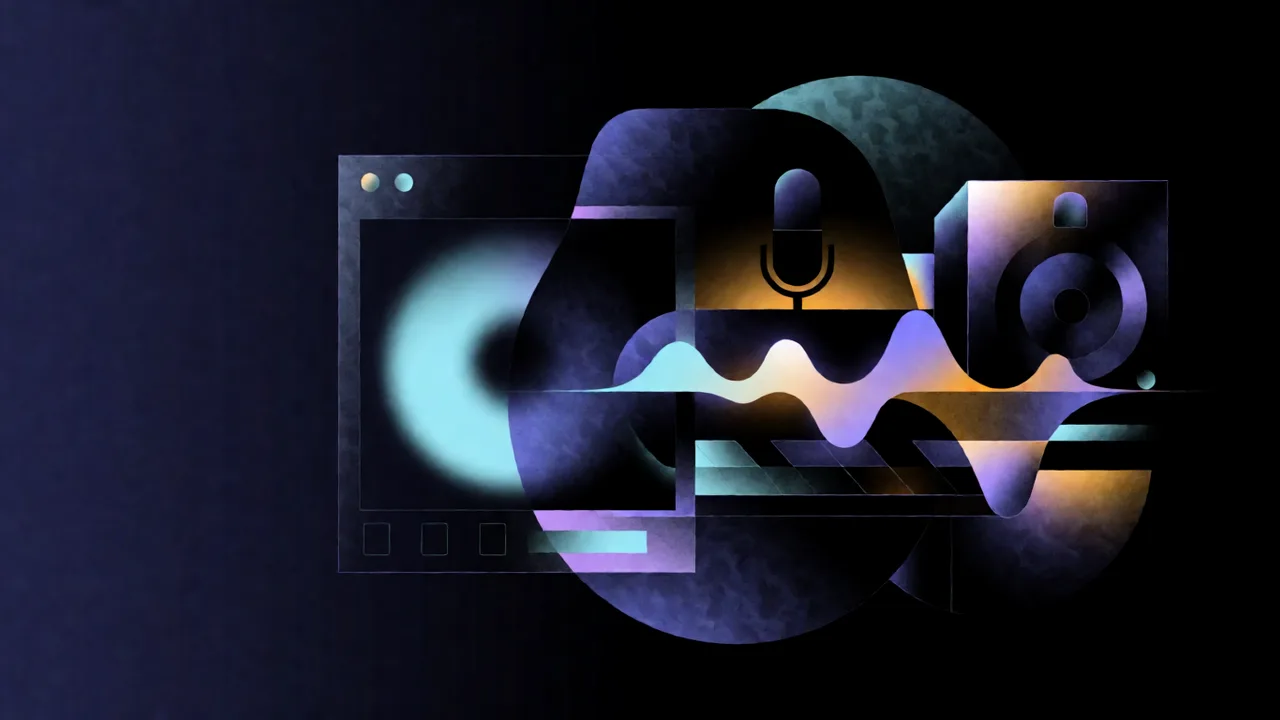
New audio options are now available
The latest Pixraft catalog refresh adds Qwen3 TTS, ByteDance Seed Audio 1.0, and MiniMax Music 3.0 to the supported audio model set. They solve different problems: spoken narration, guided speech and audio experiments, and complete music or instrumental beds.
The goal is not to suggest that one model replaces a voice actor, sound designer, composer, or mix engineer. These models give you more starting points inside the same creative workspace.
Qwen3 TTS: narration with voice and style controls
WaveSpeed documents Qwen3 TTS with 11-language support, 9 preset voices, and optional style instructions. In Pixraft’s Audio Studio, the model is suited to turning a script into narration, a draft voice-over, an accessibility track, or spoken dialogue for a video concept.
Use short test passages first. A style instruction such as “calm, clear, and slightly slower for an instructional video” communicates delivery intent, but it does not guarantee a specific performance or pronunciation in every sentence.
Seed Audio 1.0: guided speech and audio experiments
Seed Audio accepts a prompt and can use either reference audio or a reference image, along with controls for format, sample rate, speed, volume, and pitch. The model page says the audio and image guidance paths should not be combined, so follow the fields shown in Pixraft’s model form.
This can help with narration prototypes, dialogue concepts, image-guided sound ideas, and quick audio variations. Treat reference audio carefully: only upload material you have permission to use, and do not imitate a real person’s voice without consent and a lawful basis.
MiniMax Music 3.0: songs and instrumental beds
MiniMax Music 3.0 generates music from a style prompt and lyrics, with structure tags such as [Verse], [Chorus], and [Bridge]. WaveSpeed also documents an instrumental-only mode and configurable bitrate and sample rate settings.
That makes it useful for demos, background beds, rough soundtrack directions, podcast intros, and short-film music sketches. It can reduce the distance between a written mood and an audible idea, while a final release may still require arrangement, editing, mixing, mastering, and a rights review.
| Model | Best first experiment | Important boundary |
|---|---|---|
| Qwen3 TTS | Turn a short script into several narration styles | Preset voices and style instructions do not guarantee a final voice performance |
| Seed Audio 1.0 | Generate guided speech or audio from a prompt and one reference path | Use only permitted reference audio or images; audio and image guidance are separate paths |
| MiniMax Music 3.0 | Create a demo song or instrumental direction from a prompt and lyrics | Generated music still needs rights, editorial, and mix review before release |
How Pixraft helps you use them
- Open Audio Studio and choose the model that matches the output: speech, guided audio, or music.
- Test a short input before spending time on a full script or song.
- Set the language, voice, style, output format, or music controls that the selected model exposes.
- Review Pixraft’s live credit estimate before generating and keep the input version with any result you want to reproduce.
- Combine the output with Video Studio, Lip Sync Studio, or Clipping Studio when the audio belongs to a larger production.
- Download, edit, and review the result in the toolchain appropriate to your delivery format.
What Pixraft does not promise
Audio generation can contain pronunciation errors, unwanted artifacts, timing problems, or musical choices that do not fit the brief. A generated voice is not automatically cleared for every commercial, likeness, or identity use. A generated song is not automatically free of third-party rights questions.
Check the provider license, your input permissions, and the final output before publishing. Model schemas, availability, and credit estimates can change as providers update their services; use the live Pixraft form for the current configuration.
Why this matters for Pixraft users
The new arrivals make Pixraft more useful when a project crosses media types. You can develop a still, animate it, create narration or music, synchronize dialogue, and cut variants without moving every experiment to a separate model account. Pixraft does not guarantee the creative result, but it gives you a connected place to test the model that fits the next production decision.
Sources
Related articles
Industry Insights
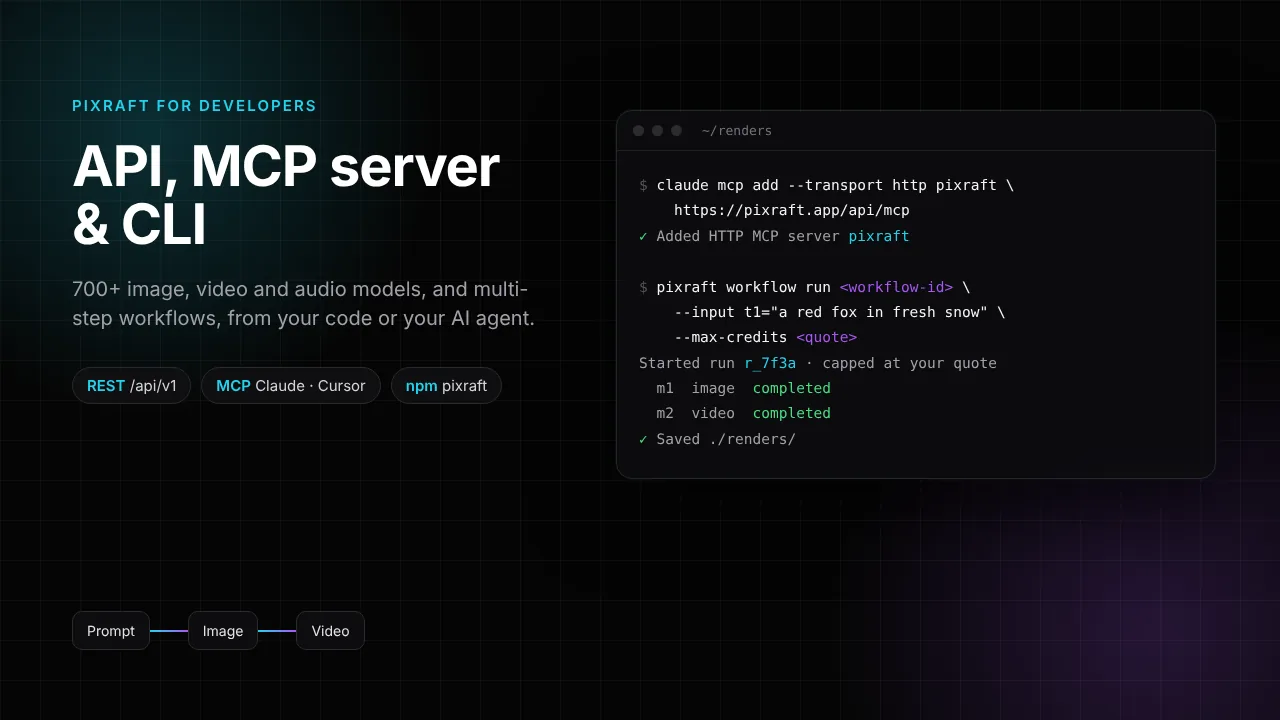
Pixraft Developer API, MCP Server and CLI: Run AI Image, Video and Audio Models From Code or Claude
Industry Insights
New AI Models on Pixraft (October 2026): Kling 3.0, Veo 3.1, Seedance 2.5, Nano Banana Pro, GPT Image 2 and More
Industry Insights
New Image Models in Pixraft: Krea 2 Turbo and Qwen Image 3.0
Explore Pixraft Multi-Model Studio
Generate images with Nano Banana Pro and FLUX, video with Kling 3.0, Veo 3.1 & Seedance 2.5, and lip-synced audio in one workspace.
Create Free Account →