Best AI Image Generators in 2026: Nano Banana Pro vs GPT Image 2 vs Seedream 5.0 vs FLUX
Nano Banana Pro, GPT Image 2, Seedream 5.0, FLUX.2, Recraft V4.1, and Krea 2 compared by use case: text in images, product shots, edits, vectors, and drafts.
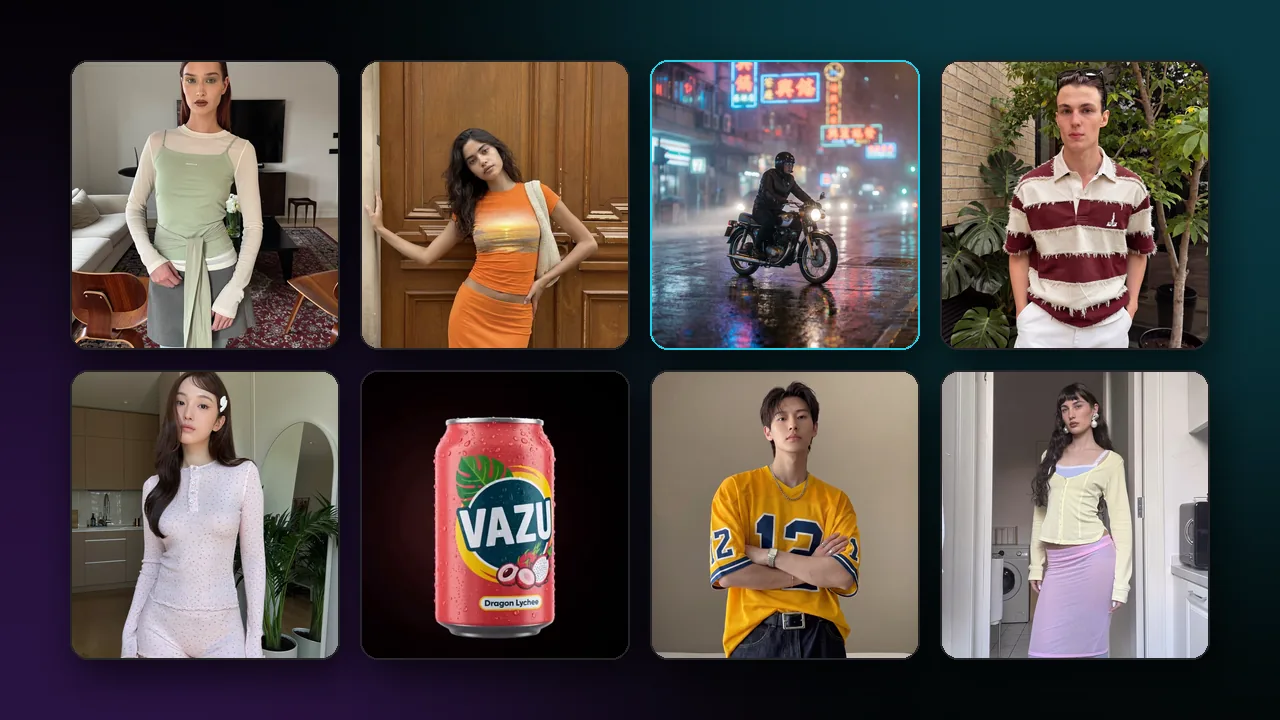
There is no single best AI image generator in 2026. Nano Banana Pro, GPT Image 2, Seedream 5.0, and FLUX.2 are general-purpose models that also edit images, and the right choice depends on the job: text inside the image, product shots, edits that combine several reference images, vector output, or fast drafts. This guide compares them by what each model's documentation says it can do, not by a benchmark score.
All of the models below are available in Pixraft's Image Studio, so you can run the same brief through several of them and compare the results on your own work.
How should you compare AI image generators?
A fair comparison uses the same inputs and judges the result against the brief:
- Run the same prompt and the same reference images through each model.
- Match the aspect ratio and output size as closely as each model allows.
- Judge on what the brief needs: legible text, product accuracy, identity consistency, style, or speed.
- Count usable images, not the single best image.
- Note the credit cost of each attempt, which Pixraft shows before you generate.
Which AI image generator is best for which job?
| Use case | Models to test first | What their documentation says |
|---|---|---|
| Text, labels, and typography | Qwen Image 3.0, FLUX.2, Ideogram | Qwen-Image and Ideogram are known for legible text; FLUX.2 descriptions mention sharper text rendering |
| Product shots from reference photos | Nano Banana Pro, GPT Image 2, Seedream 5.0 Pro | Edits with up to 14, 16, and 10 reference images |
| Exact brand colors in edits | FLUX.2 edit models | Natural-language edits with hex color control |
| Logos, icons, and vectors | Recraft V4.1 | Text-to-vector variants output editable SVG-style vectors |
| Fast drafts and moodboards | Krea 2 Turbo, Nano Banana 2 Fast, FLUX.2 Turbo | Described as fast generation tiers |
| Large output | Nano Banana Pro, Nano Banana 2, GPT Image 2 | 4K options; Nano Banana Pro Ultra adds 8K |
| Layered assets | Seedream 5.0 Pro | Layer decomposition into a base image and transparent layers |
| Consistent image sets | Seedream 5.0 Lite sequential | Up to 15 related images from one prompt |
Which AI image generator is best for text in images?
If the image must carry words, such as a poster headline, a packaging label, or a thumbnail title, start with the models whose documentation calls out text. The Qwen-Image family is noted for rendering legible text, Ideogram models are known for typography, and the FLUX.2 model descriptions mention sharper text rendering (see the FLUX family page). Qwen Image 3.0 comes in Standard and Pro tiers at 1K or 2K, with an optional prompt-expansion setting.
Include Nano Banana Pro and GPT Image 2 in the same test. Both are general models with edit variants, so you can correct a detail without starting over.
Put the exact words in quotation marks in the prompt, keep them short, and check every letter: no model guarantees correct spelling. For long body copy, add the text in a design tool after generation.
Which AI image generator is best for product shots?
Product images need the real product to stay accurate: its shape, label, color, and proportions. That points to editing with reference photos rather than generating the product from text alone. Upload a clean photo of the product and describe the new scene around it.
The edit variant of Nano Banana Pro accepts up to 14 images, GPT Image 2 edit takes up to 16, and Seedream 5.0 Pro edit takes up to 10, so one request can include the product, its packaging, a logo, and a style reference. FLUX.2 edit models take three or four images and add hex color control, which helps when a brand color must match an exact value.
Always compare the output against the real product. A generated product image should not show features, sizes, or finishes the product does not have.
Which model is best for editing with reference images?
For a character, mascot, or presenter that must stay the same across a set, use the reference-image edit variants above and keep the same reference set for every image. Seedream 5.0 Lite also has sequential variants that generate a consistent set of up to 15 images from one prompt.
Two more editing options are worth knowing. Seedream 5.0 Pro can separate one image into a base image and transparent layers for further design work, and Qwen Image 3.0 edit follows natural-language instructions with up to three input images. For single-image edits with resolution and quality settings, Grok Imagine Image 2.0 is another option.
Which AI image generator makes SVG vectors?
Most image models output raster files such as PNG, JPEG, or WebP. For logos, icons, and illustrations that must scale cleanly, use Recraft. Recraft V4.1 and V4.1 Pro include text-to-vector variants that generate editable SVG-style vector images, alongside raster text-to-image and faster Utility variants for high-volume work.
Clean up the vector in a design tool before using it as a final logo, and check that it does not resemble an existing trademark.
Which AI image generator is fastest for drafts?
For moodboards and early exploration, a fast model lets you see more directions sooner. Krea 2 Turbo is documented as distilled to 8 steps, generating images at 1K to 2K in seconds, and it also supports image-to-image with a strength control. Nano Banana 2 Fast defaults to 2K output, and FLUX.2 Turbo and FLUX.2 Flash are described as fast variants.
Once a direction is chosen, move to the model that fits the final job, at the final size. In Pixraft, images start at 2 credits, and the exact cost for each model and resolution appears before you generate.
So which AI image generator should you choose?
- Nano Banana Pro when you want up to 4K output (8K on Ultra) and edits that combine many references.
- GPT Image 2 when you want low, medium, or high quality settings, many aspect ratios, and edits with up to 16 references.
- Seedream 5.0 when you need multi-reference edits, layer decomposition, or a consistent set of images.
- FLUX.2 when you want a choice of tiers, including Pro, Max, Flex, Flash, and Turbo, and hex color control in edits.
- Recraft V4.1 for vectors, and Krea 2 Turbo or Nano Banana 2 for fast drafts.
Then test. Running the same brief through two or three of these models tells you more about your use case than any ranking can. The AI image generator page lists every image model Pixraft offers.
When a still is ready to move, take it into image-to-video, and use the Kling 3.0 vs Veo 3.1 vs Seedance 2.5 vs Wan 3.0 comparison to choose the video model.
Questions answered
- What is the best AI image generator in 2026?
- There is no single best model; it depends on the job. Test Qwen Image 3.0, FLUX.2, or Ideogram for text in images, Nano Banana Pro, GPT Image 2, or Seedream 5.0 for edits with several reference images, Recraft V4.1 for vector output, and Krea 2 Turbo or Nano Banana 2 for fast drafts. Run the same brief through two or three models and compare usable results.
- What is the difference between Nano Banana Pro and Nano Banana 2?
- Both are Google Gemini image models. Nano Banana Pro is Gemini 3 Pro Image, with 1K to 4K output, editing with up to 14 images, and Ultra variants up to 8K. Nano Banana 2 is Gemini 3.1 Flash Image, with fast, 4K-capable images and edits, a Fast variant, and very wide or tall aspect ratios such as 4:1 and 1:8.
- Is GPT Image 2 better than Nano Banana Pro?
- Neither is better for every job. GPT Image 2 offers low, medium, and high quality settings, 1K to 4K output, and edits with up to 16 reference images. Nano Banana Pro offers 1K to 4K output, edits with up to 14 images, and 8K on its Ultra variant. Run your own brief through both and compare the usable results.
- Which AI image generator can make SVG files?
- Recraft. In Pixraft, Recraft V4.1 and V4.1 Pro include text-to-vector variants that generate editable SVG-style vector images from a prompt, which suits logos, icons, and illustrations. Most other image models output raster files such as PNG, JPEG, or WebP.
- How much does AI image generation cost on Pixraft?
- Images start at 2 credits, and the exact cost for each model, resolution, and setting is shown before you generate. New accounts get 50 free credits after signup, with no card required, and failed generations are refunded automatically.
Sources
Related articles
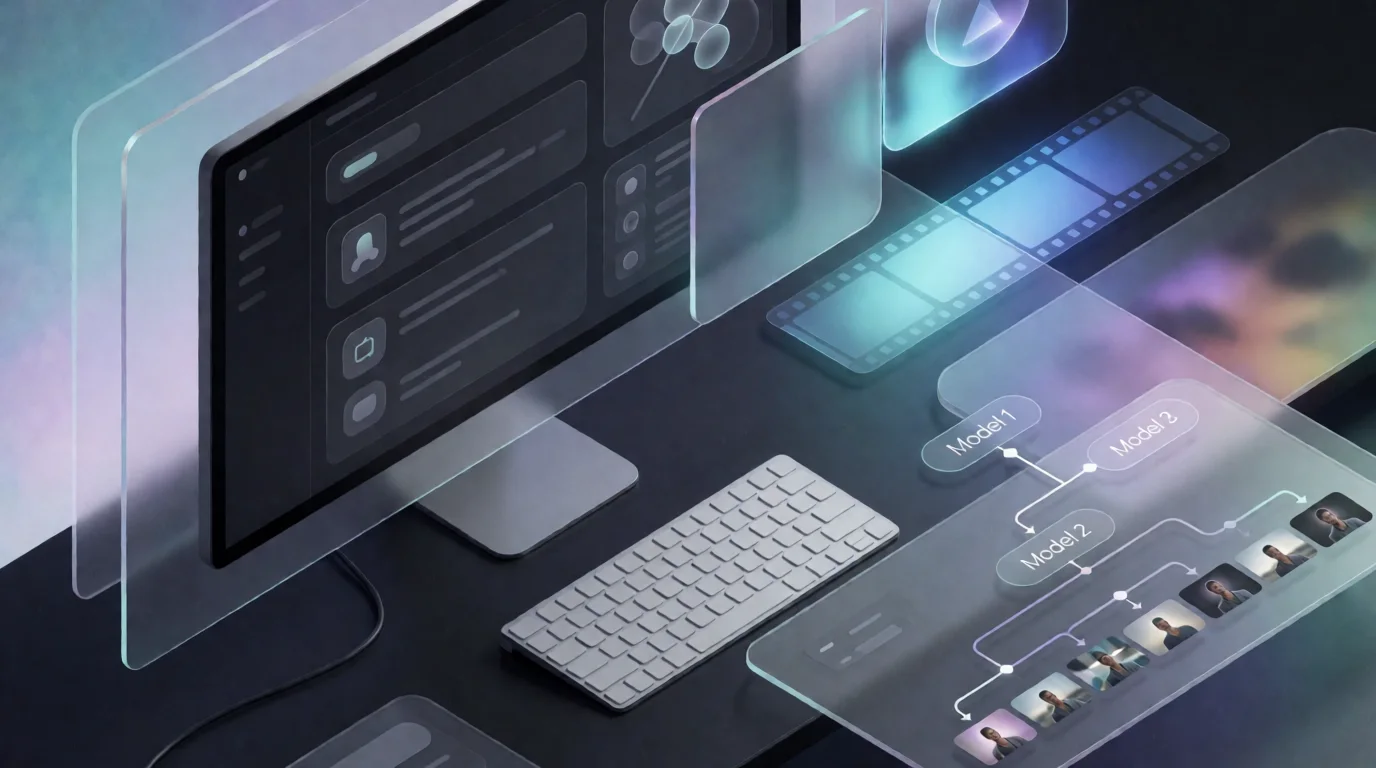
Explore Pixraft Multi-Model Studio
Generate images with Nano Banana Pro and FLUX, video with Kling 3.0, Veo 3.1 & Seedance 2.5, and lip-synced audio in one workspace.
Create Free Account →