Midjourney vs Pixraft in 2026: Images, Video, Privacy & Pricing
A balanced comparison of Midjourney and Pixraft for creators who need still images, video generation, privacy controls, and flexible production workflows.
Quick verdict
Midjourney is a strong choice for creators who mainly want stylized images and increasingly want image-to-video creation inside the same ecosystem. Pixraft is a better fit when the project spans images, cinematic stills, video, lip sync, audio, clipping, or marketing assets in one web workspace.
The decision is not “which tool makes better art?” It is “which production loop matches the work you need to ship?”
1. Image creation and visual style
Midjourney is known for a distinctive aesthetic and a large community of visual creators. It is a natural fit for concept art, moodboards, stylized scenes, and image exploration.
Pixraft takes a broader approach. Image Studio is designed for model choice and image generation, while Cinema Studio adds camera, lens, aperture, and film-emulation controls for a more directed photographic workflow.
Choose Midjourney when the primary output is a polished image with a recognizable visual style. Choose Pixraft when the still is one step in a larger asset pipeline.
2. Video capability
Midjourney’s current documentation includes video generation, so the old “image-only” description is no longer accurate. The practical question is how much of your production should stay inside the same image-first environment.
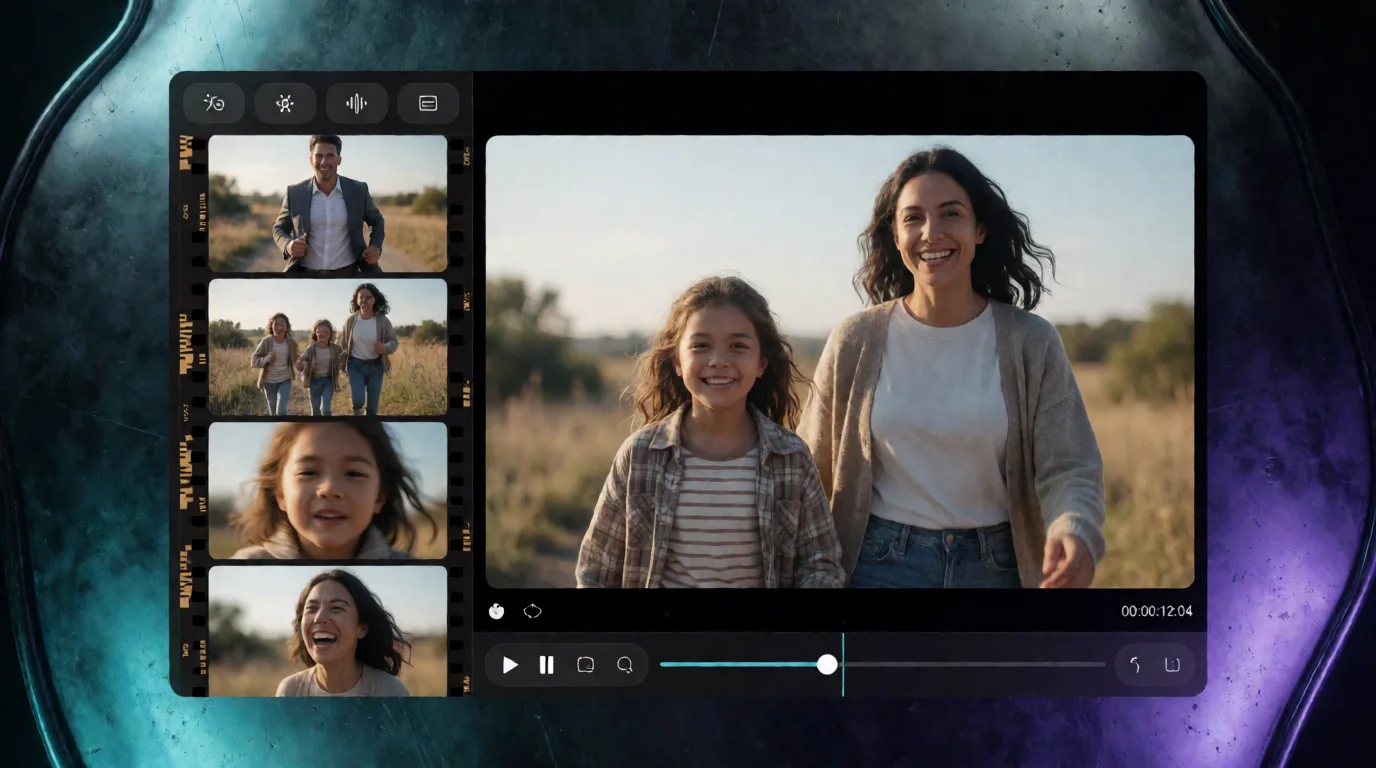
Pixraft is organized around separate studios for separate jobs. Use Video Studio for text-to-video or image-to-video, then move into Lip Sync Studio or Clipping Studio when the deliverable needs dialogue synchronization or short-form edits.
3. Interface and workflow
Midjourney offers a web experience and Discord-based workflows, depending on how you use the service. That ecosystem is powerful for exploration and community inspiration, but it can feel less direct when a team needs a repeatable production checklist.
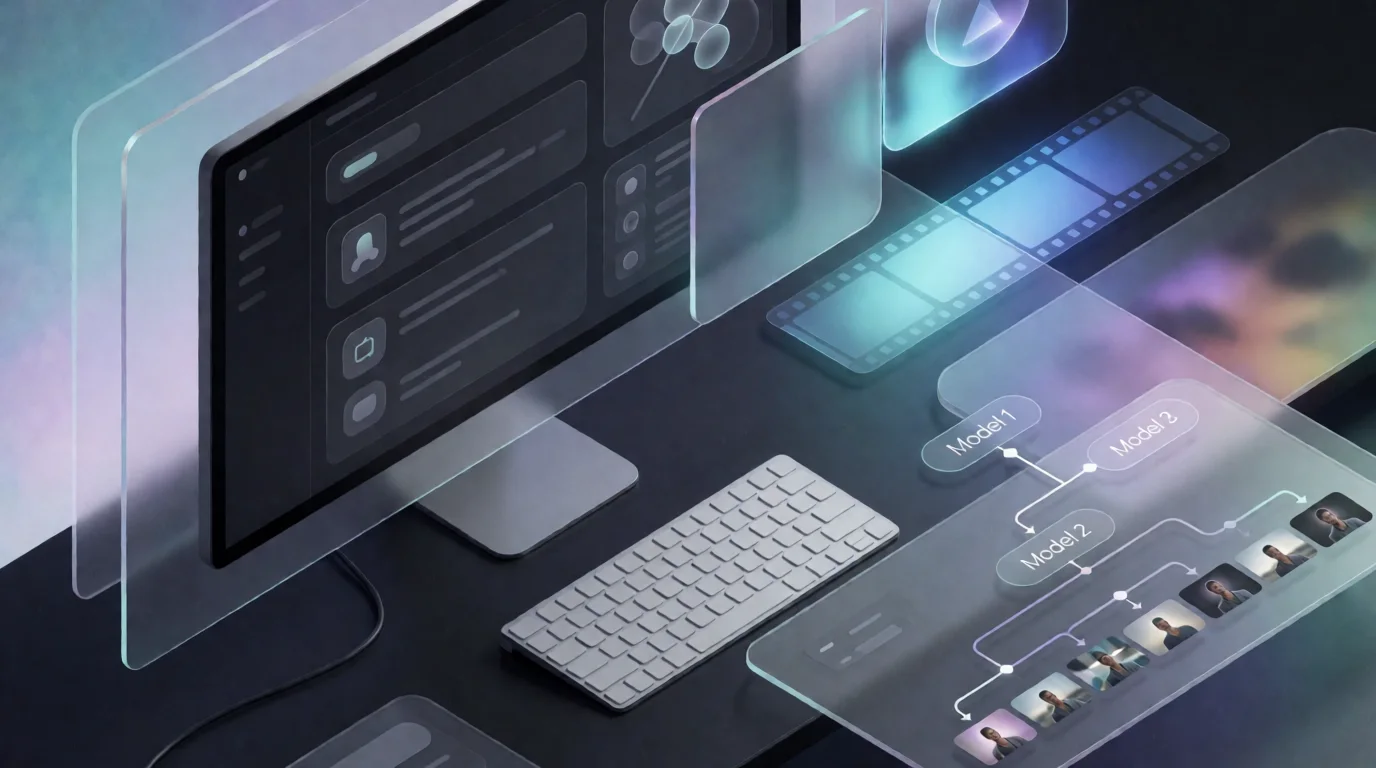
Pixraft is a dedicated web application with model controls, generation history, aspect-ratio choices, and studios organized around output types. This is useful when a project has handoffs between ideation, generation, editing, and delivery.
4. Pricing and privacy
Midjourney’s official plan comparison lists Basic, Standard, Pro, and Mega subscriptions, with different GPU time, video access, and privacy features. Read the current plan page before purchasing because plan limits and model features can change.
Pixraft combines monthly plans with one-time credit packs. The repository’s current product pricing starts credit packs at $2.99 and monthly plans at $9.99, but generation cost depends on the selected model and inputs. Use the live credit preview before a production batch.
Privacy also differs by plan and workflow. Compare whether you need private generations, team review, commercial usage, or simple personal experimentation before choosing on price alone.
At-a-glance comparison
| Criteria | Midjourney | Pixraft |
|---|---|---|
| Primary strength | Stylized image creation and visual exploration | Multi-format creative production |
| Video | Available in current product documentation | Dedicated Video Studio |
| Still-image control | Strong aesthetic and personalization workflows | Multiple image models plus Cinema controls |
| Audio and lip sync | Not the core workflow | Dedicated Audio and Lip Sync studios |
| Short-form editing | Not the primary workflow | Clipping Studio |
| Purchase model | Subscription tiers | Monthly plans plus credit packs |
| Best fit | Image-first creators | Creators shipping mixed media assets |
Who should choose Midjourney?
- Image-first artists and designers.
- Creators who value a strong default aesthetic and community inspiration.
- Teams that do not need a connected audio, lip sync, or clipping workflow.
Who should choose Pixraft?
- Marketers creating product images, UGC-style ads, and video variants.
- Filmmakers moving from a still concept into motion and dialogue.
- Creators who want several model families and media types in one workspace.
Sources
Related articles
Explore Pixraft Multi-Model Studio
Generate photorealistic images with Flux, video with Sora & Wan 2.1, and lip-sync audio in one unified workspace.
Create Free Account →