How Much Does a Long or 4K AI Video Cost? Pixraft Credit Prices (Nov 15, 2026)
Long, 4K and premium AI video jobs now cost up to 11% fewer credits on Pixraft. See what a 15-second, 30-second and 4K clip costs.

Since November 15, 2026, Pixraft prices big video jobs at a lower credit rate. The first part of a job is charged at the standard rate, and the more expensive part is charged at a lower one, so the saving grows with length and resolution. It applies automatically to every model and every studio, and nothing changes in how you generate.
Which jobs cost fewer credits now?
Long clips, high resolutions and premium models, because those are the jobs with the most expensive part to discount. A 30-second 4K clip saves the most; a single 1K image stays at the standard rate. Most images and short clips cost the same as before. Only one low-cost utility model, RIFE, costs 1 credit more than before, because its old price did not cover what it costs to run. No other default price went up. The price on the Generate button is always the price charged.
How many credits do example jobs cost?
These are the credits charged for five common jobs, against the credits the same job cost before Nov 15, 2026. Prices were checked on November 15, 2026 and can change if a model's provider cost changes.
| Job | Settings | Credits before | Credits now | Change |
|---|---|---|---|---|
| One 1K image | Seedream 5.5, 1K | 6 | 6 | Same |
| 15-second video | Seedance 2.0 Fast Text to Video, 720p, 15 s | 900 | 835 | 7% fewer |
| 30-second video | Seedance 2.5 Turbo Text to Video, 720p, 30 s | 1,800 | 1,630 | 9% fewer |
| 30-second 1080p video | Seedance 2.5 Text to Video, 1080p, 30 s | 8,100 | 7,195 | 11% fewer |
| 30-second 4K video | Seedance 2.5 Text to Video, 4K, 30 s | 16,200 | 14,350 | 11% fewer |
The biggest jobs save the most: the largest saving in the table is 11%, and no job saves more than 11% at standard prices. To see the price of your own job, open Video Studio and change the model, resolution and length: the credit cost updates as you go.
Is the price still shown before I generate?
Yes. Every generation shows its exact credit cost before you commit, from the same calculation the server uses to charge you. Failed generations, and outputs blocked by automated content moderation, are refunded to your balance automatically.
Do credits I already bought change?
No. Your balance, plan and credit packs are untouched. Pack credits never expire, and subscription credits keep rolling over as before. Only the number of credits a big job costs went down.
Why are long HeyGen reference clips refused?
HeyGen Video 1.0 reference-to-video uses only the first 5 seconds of each reference video, but its provider bills the clip at its original length. Pixraft refuses any reference video over 15 seconds before it charges you, so you never pay for more than 15 seconds per clip. Trim each clip to the 5 seconds you want used to pay only for what the model uses. Other reference-to-video models are priced from the clips you attach, so check the cost before you generate.
What else is new on Pixraft?
The November 2026 model update added 64 models, including Kling 4.0, Seedream 5.5, GPT Image 2.6 and Vidu Q4. Browse everything in the model catalog, or read how credits work in the pricing FAQ.
Questions answered
- How much does a long or 4K AI video cost on Pixraft?
- Seedance 2.5 Text to Video, 4K, 30 s costs 14,350 credits, against 16,200 before Nov 15, 2026 (quoted Nov 15, 2026; prices can change if a provider cost changes). Every price depends on the model, resolution and length you pick, and the Generate button shows the exact credit cost before you commit.
- Do long AI videos cost fewer credits per second now?
- Yes, on big jobs. The more a job costs to run, the lower the rate on the expensive part of it, so the saving grows with length and resolution, up to 11%. Short clips and single images are priced at or close to the standard rate.
- Is the price still shown before I generate?
- Yes. Every studio shows the exact credit cost on the Generate button before you commit, and it is the same number that is charged. Failed generations and outputs blocked by automated content moderation are refunded to your balance automatically.
- Do credits I already bought change?
- No. Your balance, your plan and your pack credits stay exactly as they were. Only the number of credits a big job costs went down. Credit packs never expire.
- Why are HeyGen Video 1.0 reference clips over 15 seconds refused?
- HeyGen Video 1.0 reference-to-video uses only the first 5 seconds of each reference video but bills the clip at its full length. Pixraft refuses any reference video longer than 15 seconds before charging you, so you never pay for more than 15 seconds per clip. Trim each clip to the 5 seconds you want used to pay only for what the model uses.
Sources
Related articles
Industry Insights
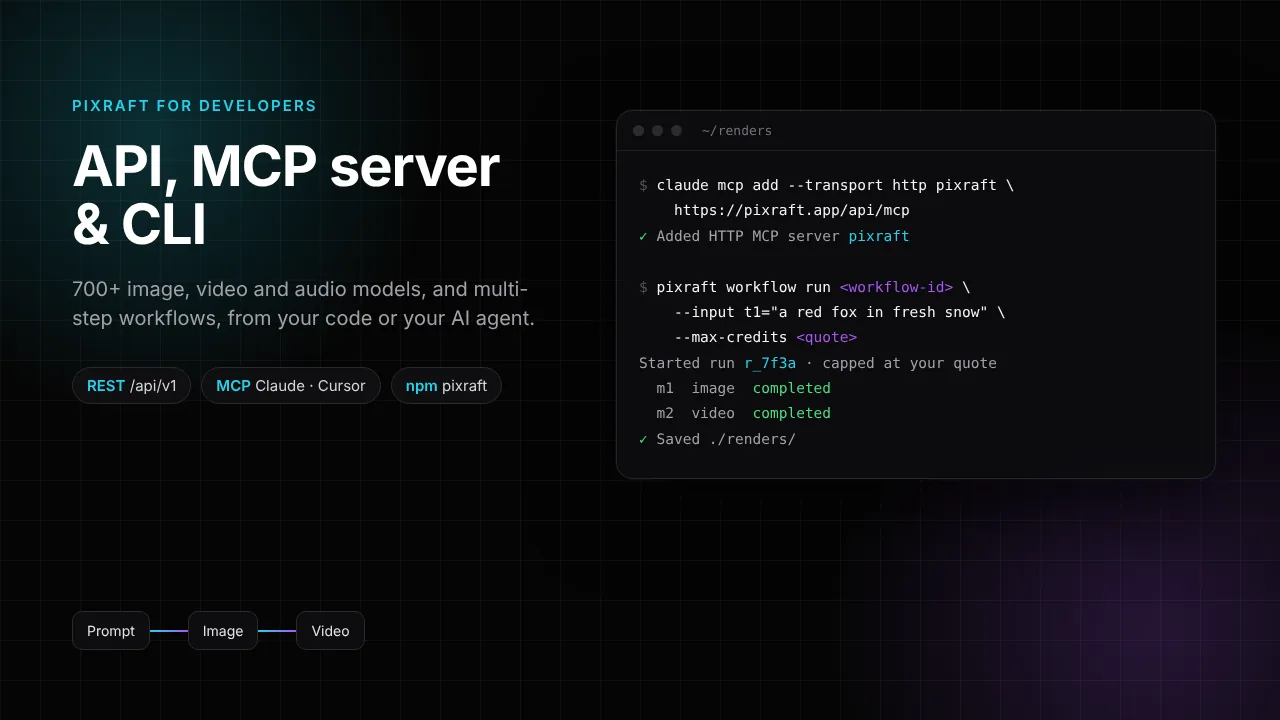
Pixraft Developer API, MCP Server and CLI: Run AI Image, Video and Audio Models From Code or Claude
Industry Insights
New AI Models on Pixraft (November 2026): Kling 4.0, GPT Image 2.6, Seedream 5.5, Gemini Omni 1.2 Flash and More
Industry Insights
New AI Models on Pixraft (October 2026): Nano Banana 2.1, GPT Image 2.5, MiniMax H3 Singularity, Kling 3.0, Veo 3.1 and More
Explore Pixraft Multi-Model Studio
Generate images with Nano Banana Pro and FLUX, video with Kling 4.0, Veo 3.1 & Seedance 2.5, and lip-synced audio in one workspace.
Create Free Account →