AI Video Translation: Dub and Lip-Sync Video Without Losing Trust
Translate, dub and lip-sync videos with AI while protecting meaning, consent and brand trust. A practical workflow for teams localizing short-form video.
AI video translation is localization, not a button that changes a language
Making a video understandable in another language is more than translating sentences. A good localized version keeps the original meaning, sounds natural to the intended audience, respects the speaker, and makes clear what has changed. If the original creator is visible, it may also need a credible match between the new dialogue and the person’s mouth movements.
That is why AI video translation should be treated as a reviewable production workflow: transcribe, translate, adapt, create the voice track, synchronize the visible performance when appropriate, and run a fluent-language quality check. Skipping the review creates a polished-looking clip that can still mistranslate a price, promise, safety warning, or person’s intent.
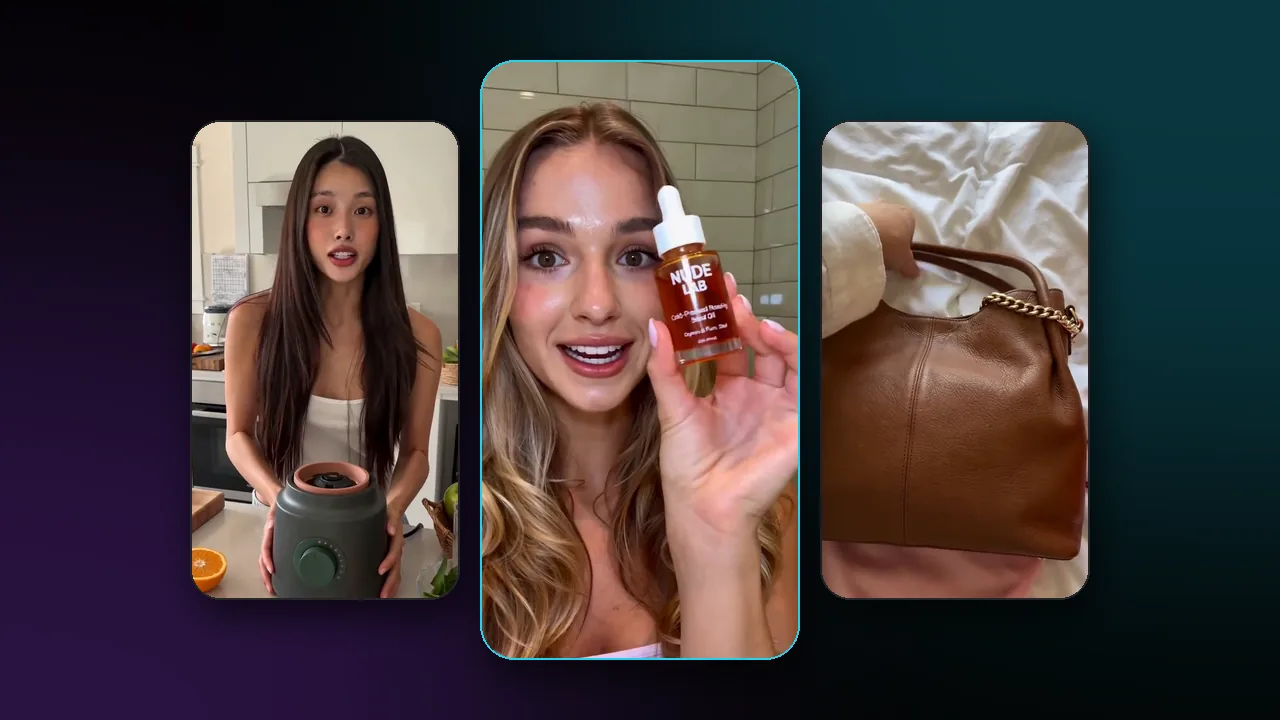
The need is becoming mainstream. Meta now offers AI-powered Reels translation, dubbing, and optional lip sync across more languages, and it labels translated Reels. That is a helpful signal for creators: audiences increasingly expect language access, but they also deserve to know when a performance has been altered.
What is the difference between translation, dubbing, and lip sync?
These terms are related but not interchangeable. Choose the lightest process that solves the audience problem.
| Method | What changes | Best use | Main risk |
|---|---|---|---|
| Captions | Text is added in the target language | Tutorials, interviews, accessibility, low-risk tests | Viewers may not read quickly enough |
| Voiceover | A translated audio track is added over the original | Screen recordings, demos, off-camera education | The timing can feel detached from the speaker |
| Dubbing | Original speech is replaced by target-language speech | Presenter-led content where audio needs to feel native | Meaning, tone, names, or claims can drift |
| Lip-synced dubbing | Audio is replaced and mouth movements are adapted | Close-up talking heads and short-form social video | The result can misrepresent a speaker if consent or review is weak |
The most sophisticated option is not automatically the right one. If a founder is off-screen during a product walkthrough, captions may be more trustworthy than a simulated voice. If a safety instruction relies on precise wording, a professional language review matters more than whether the lips match perfectly.
Start with rights and an approval brief
Before you upload a clip, document what you are allowed to transform. This is especially important for customer testimonials, employee videos, clinician or expert content, and anything involving a recognizable person.
- Get explicit permission from the person whose face and voice appear in the source.
- State the target languages, channels, campaign duration, territories, and whether paid promotion is permitted.
- Agree on the voice treatment: original-voice preservation, a neutral synthetic voice, a human dub, or captions only.
- Identify language-sensitive content: names, product terminology, prices, legal statements, medical or financial claims, jokes, and cultural references.
- Define who gives final approval in each language and how a published version can be corrected or removed.
Consent is not a buried checkbox. A translated, voice-altered version can say words the speaker never recorded. The right permission should cover that exact use, not merely the original shoot.
How do you translate and dub a video with AI?
The reliable workflow has seven gates. Each gate has a different failure mode, so combine them only after the earlier one is approved.
- Create a source transcript. Use a clean transcription pass, then compare it with the original video. Mark speaker changes, on-screen text, product names, and any words that were difficult to hear.
- Build an adaptation brief. Give the translator the audience, country or region, brand voice, character limit or duration, and any terms that must remain unchanged.
- Translate for speech, not just text. A subtitle can be more literal; a dub needs a natural rhythm that fits the scene. Keep factual claims exact and adapt idioms rather than translating them word for word.
- Review the target-language script. A fluent reviewer should check tone, grammar, product terms, names, numbers, dates, currencies, and claims before a synthetic voice is created.
- Produce the target audio. Choose the approved voice treatment, then listen without watching the video. If it sounds rushed, overly formal, or unlike the intended speaker, fix the script before lip sync.
- Run visual synchronization when it adds value. If the speaker is on camera, use a lip-sync pass and review the face at full size. If the result is distracting, return to captions or a voiceover rather than forcing it through.
- Publish with appropriate context. Add captions where useful, apply required platform labels or disclosures, and preserve the original version so viewers can choose it.
Choose a translation workflow that supports your source video, target language, approved voice treatment, and review process. Check the model’s live documentation and commercial-use terms before a run because availability, language support, licensing, cost, and output limits can change.
Translate the meaning before you translate the timing
The biggest quality gain comes before any video model runs. Give the language reviewer a compact context sheet:
| Include | Why it prevents errors |
|---|---|
| Source video and clean transcript | Lets the reviewer catch transcription mistakes and visual context |
| Target audience and market | A product video for Quebec may need different wording from one for France |
| Approved glossary | Keeps product names, brand terms, and technical words consistent |
| Locked facts | Protects prices, dates, dosage, dimensions, warranty terms, and safety language |
| Desired tone | Prevents a friendly creator video from becoming stiff corporate copy |
| Timing target | Helps the reviewer make spoken language fit the available screen time |
A direct translation often has the wrong rhythm for a spoken clip. The target language may need more or fewer words to express the same idea. Let the script change in length where the scene allows it; do not remove the meaning just to make the mouth movement look neat.
When should you use lip sync, and when should you skip it?
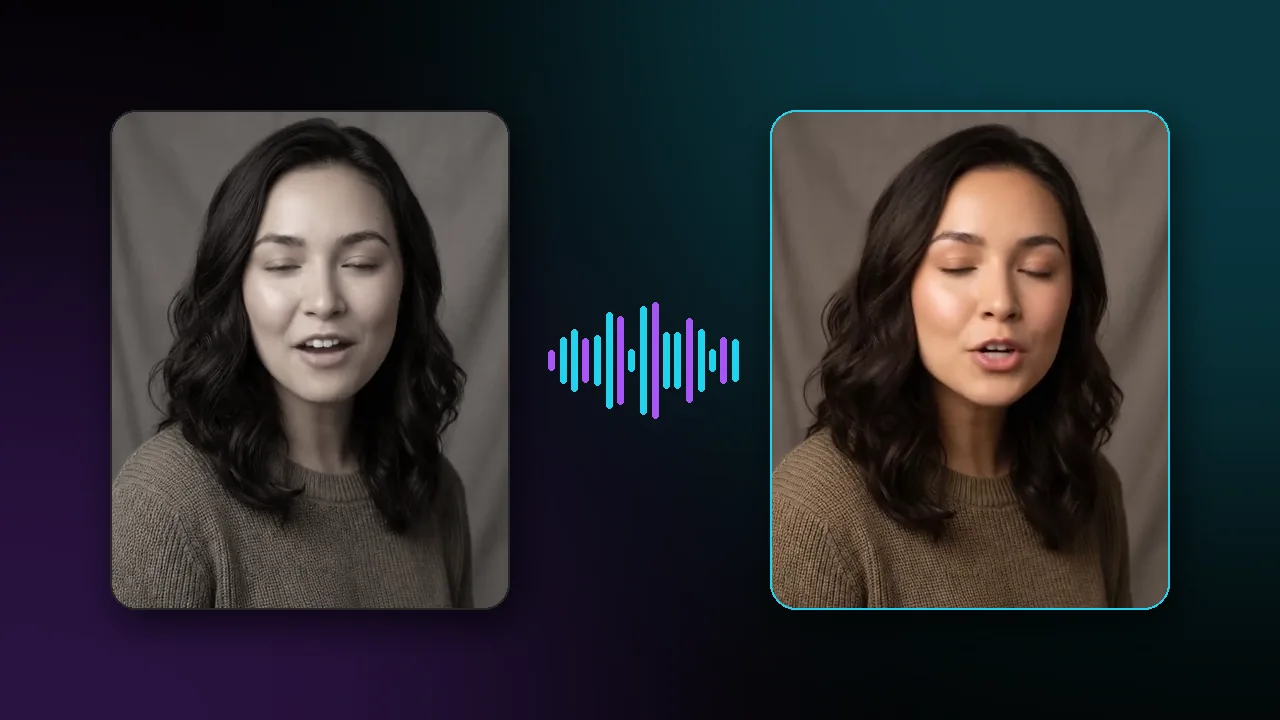
Lip sync is useful when the audience is looking closely at a person speaking. A short presenter-led Reel, a founder introduction, or a simple customer education clip can feel much more natural when the translated sound and visible mouth movement agree.
It is not necessary everywhere. Skip lip sync for screen recordings, b-roll-led ads, interviews with frequent cuts, sensitive topics, or any content where a faithful visual result is not achievable. Use subtitles or a clearly separated voiceover instead. A transparent, readable translation is better than a realistic-looking performance that feels uncanny or changes the speaker’s expression.
Never use lip-sync localization to put new claims into someone’s mouth without their documented approval. This includes casual “improvements” to a script after a creator has signed off. Treat the translated script as a new performance approval.
The quality-control pass should include a fluent person
Do not approve a translated clip only because the technical job succeeded. Watch it twice: once for language and once for video.
- Language pass: verify the meaning, terminology, names, numbers, tone, pace, and any subtitle line breaks.
- Video pass: check lip alignment, facial artifacts, cuts, visible on-screen text, captions, and whether the speaker appears to say something different from the audio.
- Brand pass: check claims, offer details, CTA destination, disclosure, and the channel-specific policy.
- Permission pass: confirm the published version matches the language, territory, platform, and voice treatment the speaker approved.
Short-form content makes this discipline more important, not less. A confused sentence or an altered mouth movement can be clipped, shared, and separated from its original context very quickly.
Localize one high-performing video before scaling a library
Choose a short video that already has a clear purpose and reliable source materials. Start with one language, one channel, and a fluent reviewer who understands the audience. Compare completion, engagement, product understanding, support questions, or qualified traffic against the original audience rather than chasing a vanity metric.
Keep the brief, source transcript, target script, approvals, and final exports together. That record helps you update a price, correct a translation, or prove which version was approved. Once the workflow consistently produces trustworthy versions, expand language by language.
Questions answered
- What is AI video translation?
- AI video translation turns spoken video into another language through transcription, translation, synthetic or recorded speech, and sometimes visual lip synchronization. Each step needs human review before publication.
- Can AI translate a video and match the speaker’s lips?
- Yes. A video-translation workflow can create translated audio and use lip-sync processing to better match mouth movements. Results should be reviewed closely, especially for names, numbers, claims and fast speech.
- Do I need permission to dub someone’s voice or face?
- Yes. Get explicit permission from the speaker and confirm the approved languages, uses, voice treatment and retention rules before creating or publishing a dubbed or lip-synced version.
- Should every translated video be lip-synced?
- No. Captions or a clearly separated voiceover can be more appropriate when the speaker is off-camera, the content is sensitive, or a faithful lip-sync result is not achievable.
Sources
Related articles

Explore Pixraft Multi-Model Studio
Generate images with Nano Banana Pro and FLUX, video with Kling 3.0, Veo 3.1 & Seedance 2.5, and lip-synced audio in one workspace.
Create Free Account →