Cinema Studio
Cinematic AI Image Generator
Cinema Studio adds real-world camera, lens, focal length, and aperture presets to your prompt or reference photo, so images take on the look of a specific cinema setup.
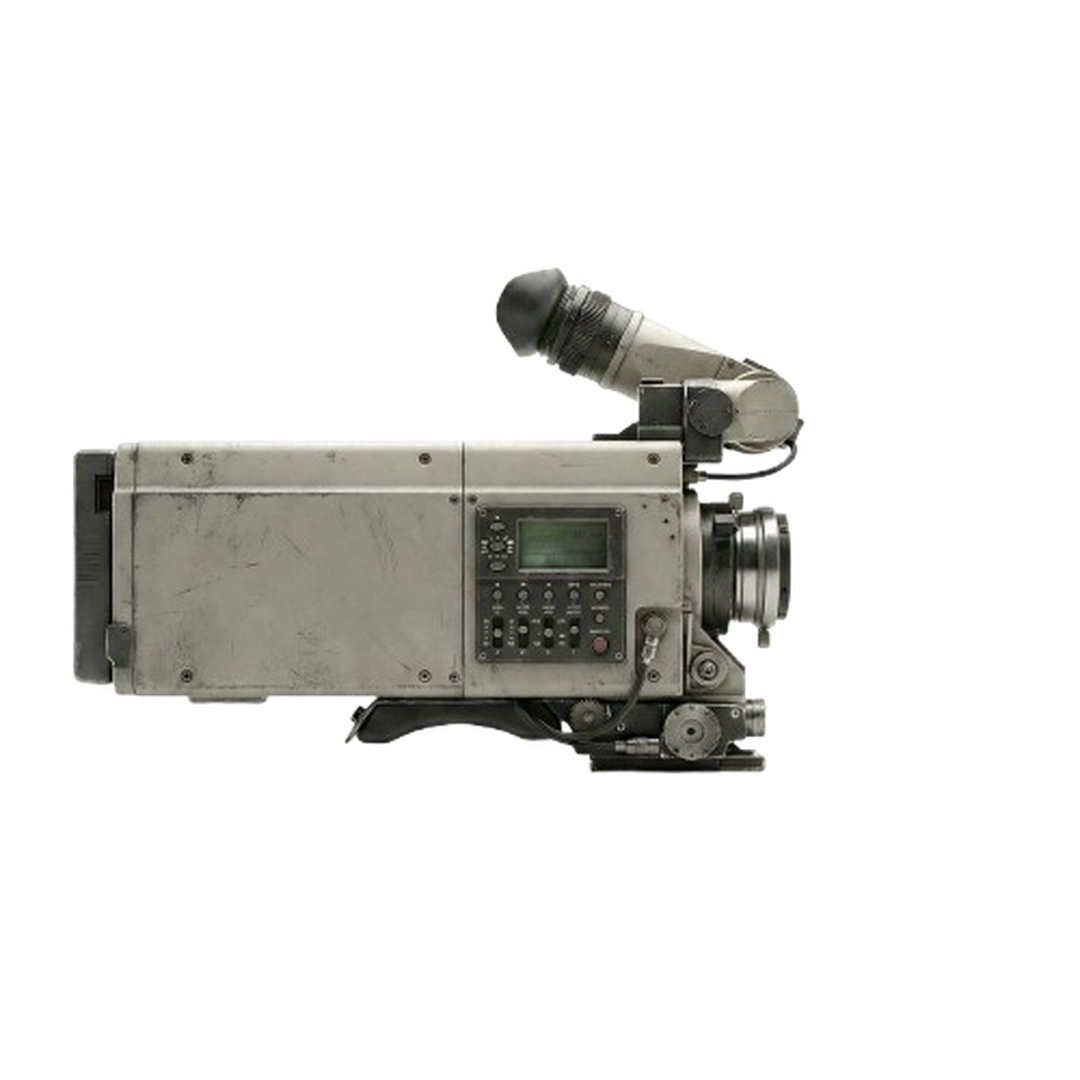
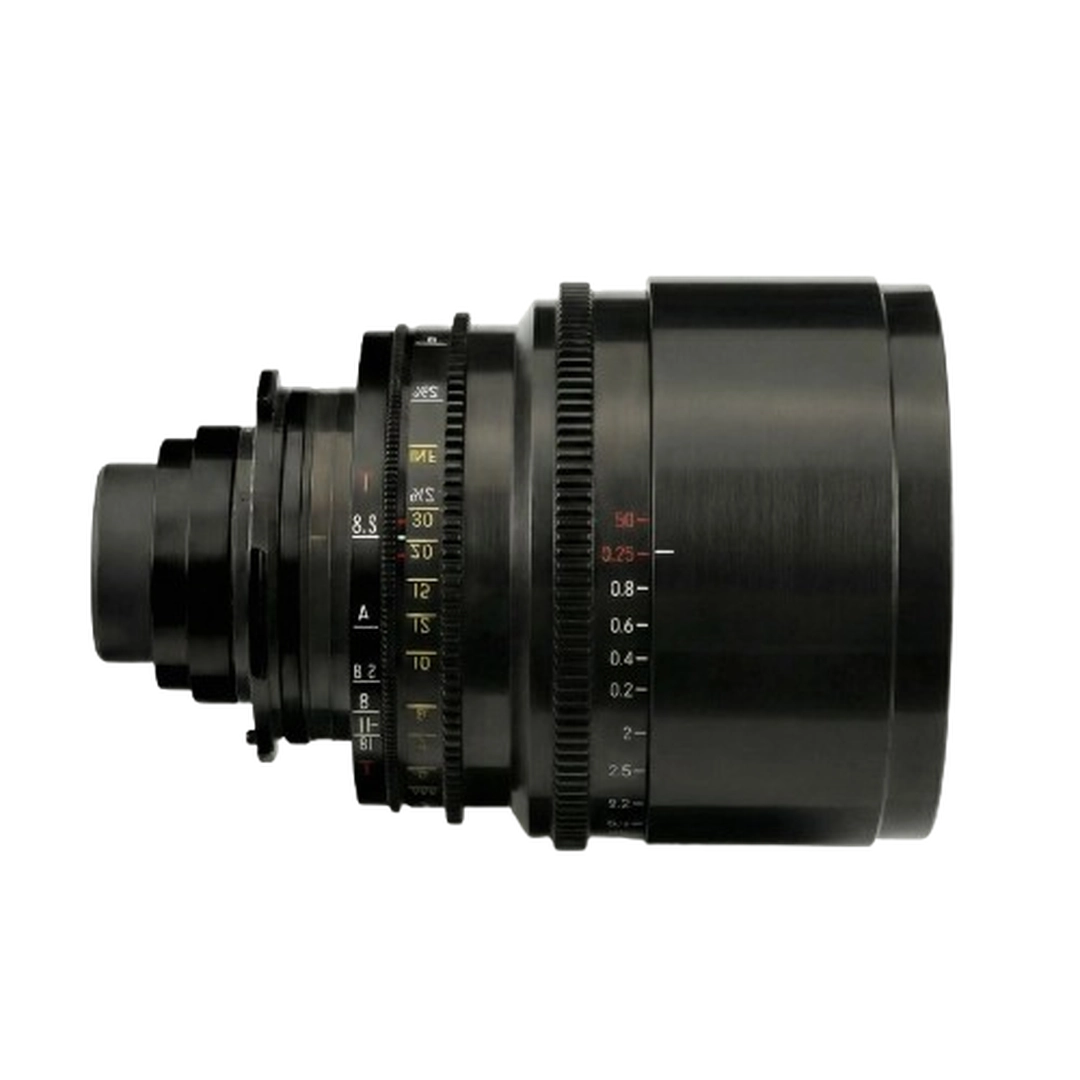
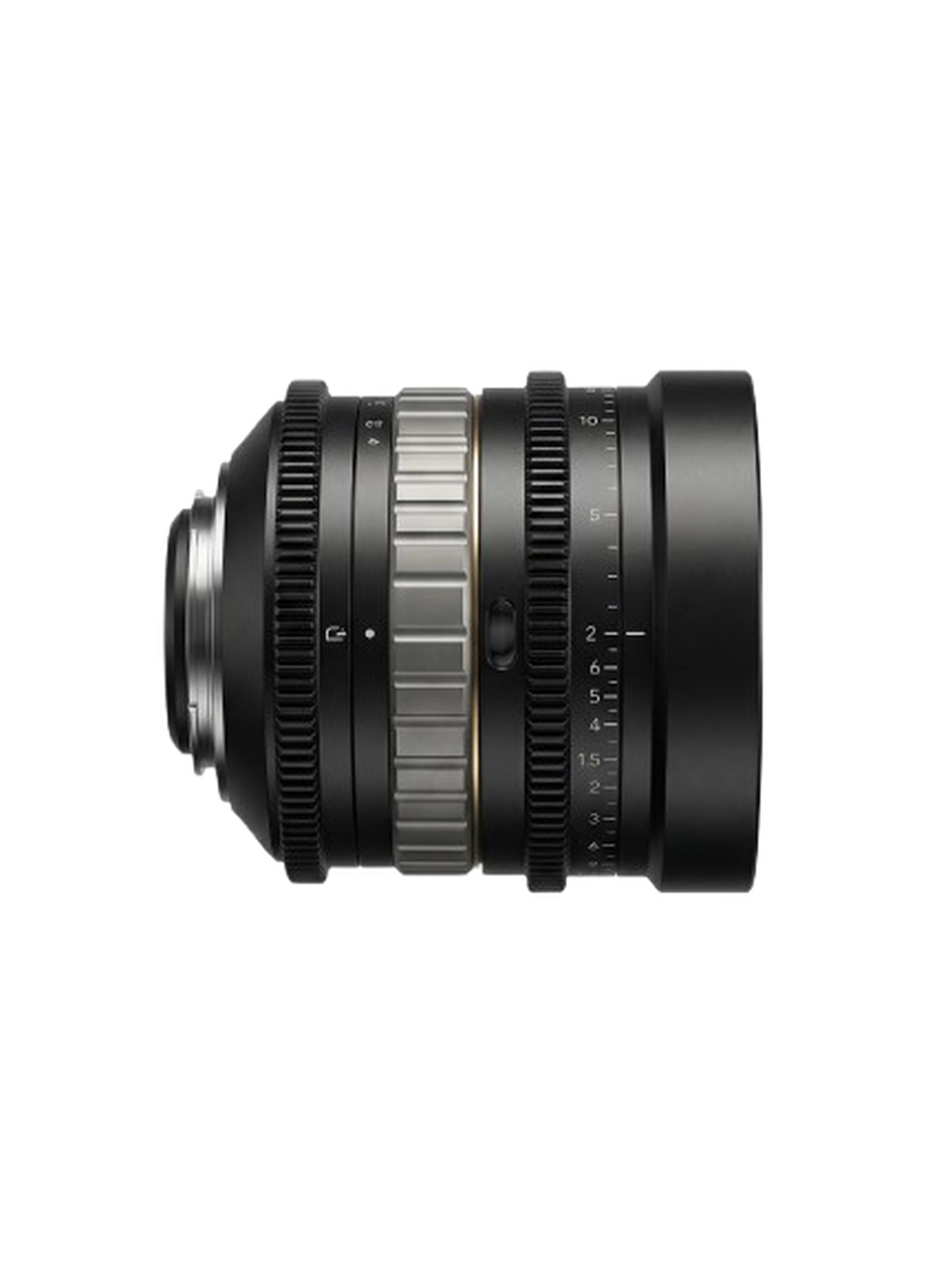
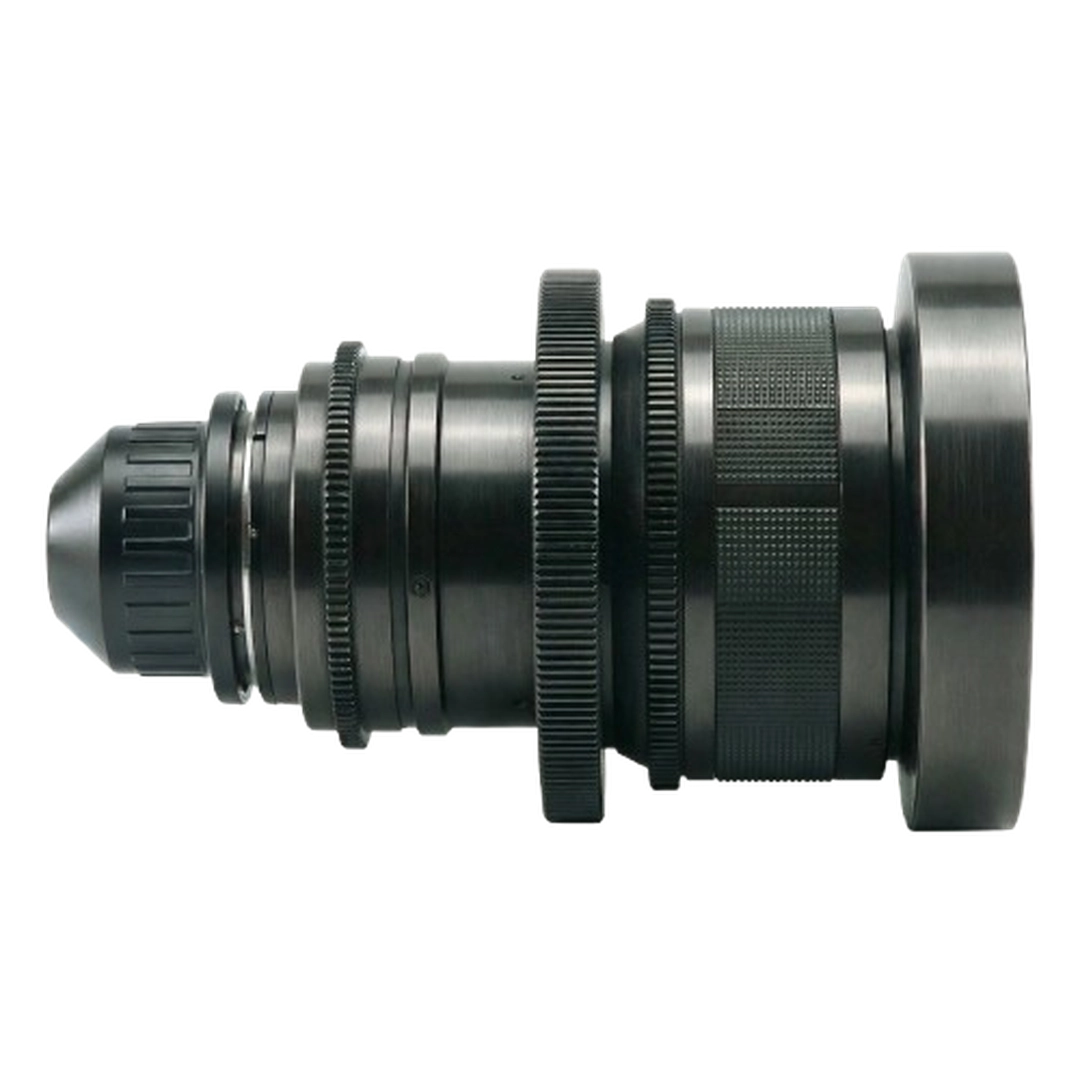
What you can do
6 camera profiles
Modular 8K Digital, Full-Frame Cine Digital, Grand Format 70mm Film, Studio Digital S35, Classic 16mm Film, and Premium Large Format Digital.
11 lens looks
Anamorphic, macro, tilt, vintage and modern primes, swirl bokeh, halation diffusion, and more.
Focal length
Six focal lengths from an 8mm ultra-wide to an 85mm portrait perspective.
Depth of field
f/1.4 for shallow focus and soft bokeh, f/4 for balance, f/11 for deep focus from foreground to background.
Prompt or photo
Start from a text prompt or a reference photo and apply the same presets.
Popular uses
- Film stills and scene concepts
- Moodboards and look development
- Photoreal portraits with real lens character
- Key art and posters
- Frames to animate later with image-to-video
How it works
- 1Open Cinema Studio and write a prompt or upload a reference photo.
- 2Choose a camera, a lens, a focal length, and an aperture.
- 3Check the credit price and generate. Animate your favorite frame in Video Studio if you want motion.
How pricing works
Pixraft uses one credit balance for every studio and model. Each generation is priced from the real cost of the model and settings you choose, and the exact credit cost is shown on the Generate button before you commit.
Buy a one-time credit pack from $2.99 (pack credits never expire), or subscribe from $9.99/month for a monthly credit grant. Failed generations are refunded automatically.
See all plans and packs →Frequently asked questions
How is this different from a normal image generator?
The camera, lens, focal length, and aperture presets are added to your prompt for you, so you get a consistent, photographic look without writing technical camera language yourself.
Can I turn the image into a video?
Yes. Take any Cinema Studio image into image-to-video in Video Studio to animate it.
Which camera and lens options are there?
Six camera profiles, eleven lens looks, six focal lengths from 8mm to 85mm, and three apertures: f/1.4, f/4, and f/11.
Is it free to try?
Creating a Pixraft account is free. Generating uses credits: one-time packs start at $2.99 and their credits never expire, and plans start at $9.99 a month. The exact credit cost is shown before every generation.
Who owns what I create?
Under Pixraft's Terms of Use you retain rights to the outputs you generate, subject to the terms of the underlying model provider and applicable law.
What if a generation fails?
Failed generations, and outputs blocked by automated content moderation, are refunded to your credit balance automatically.
Related tools
AI Image Generator
Create images from a text prompt, or edit a photo you upload, with image models from Google, Black Forest Labs, ByteDance, OpenAI, Ideogram, Recraft and more. One studio, one credit balance, and the exact price shown before every generation.
Image to Video AI
Upload a photo or a generated image and turn it into a moving shot. Choose from image-to-video models that support start and end frames, reference images, and sound.
AI Video Generator
Generate video from a text prompt, animate a still image, or transform existing footage with video models from Google, Kuaishou, ByteDance, Alibaba, MiniMax and more, all in one studio.
Try Cinema Studio on Pixraft
Create a free account, add credits when you are ready, and see the price of every generation first.